Redesign your kitchen from a single photo
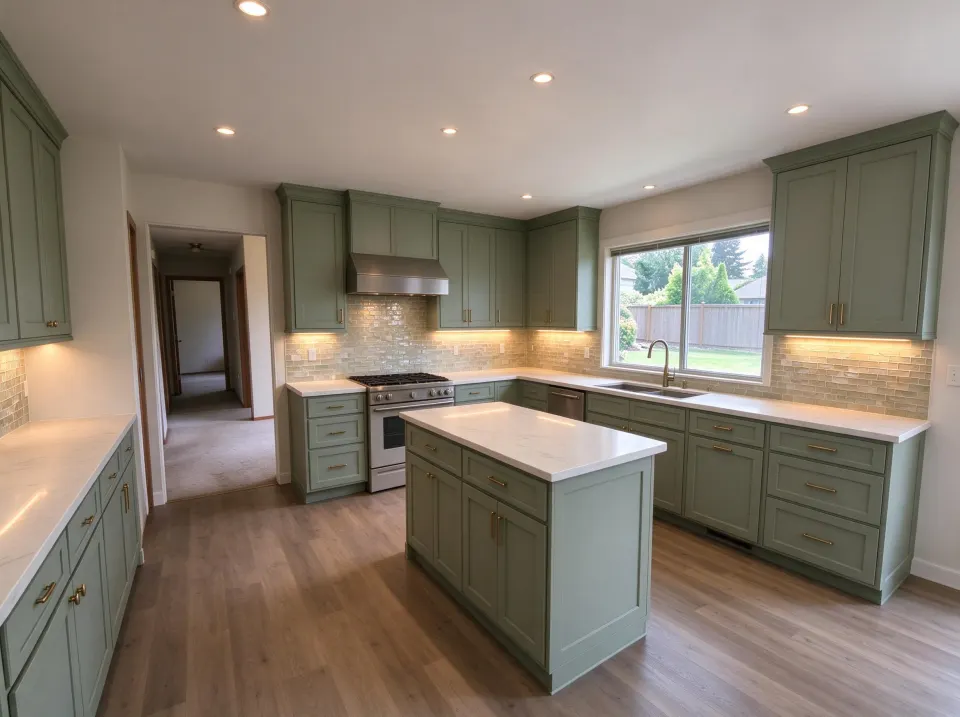
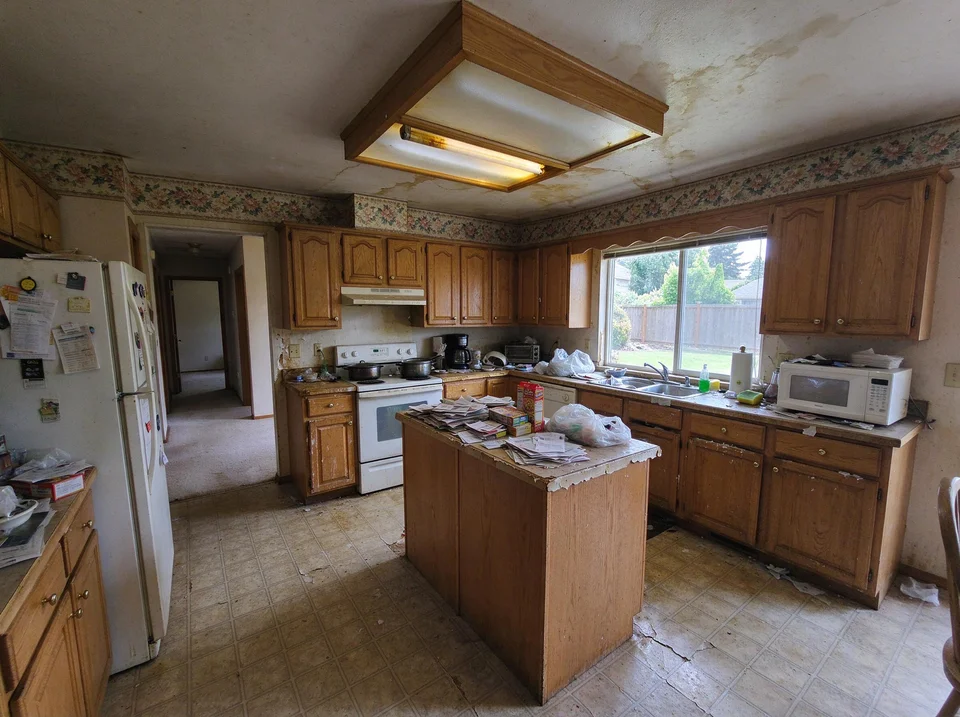
Upload a photo of your kitchen, choose a cabinet style or countertop finish and preview an AI remodel while keeping your existing layout.
More options
How it works
Take a photo
Snap a clear JPG, PNG or WebP photo showing your cabinets, counters and appliances.
Pick a style & scope
Test sage green, white Shaker, warm oak or just swap cabinet colors and hardware.
Compare & save
Download the before/after concept to align with your partner, painter or cabinet maker.
Kitchen styles
Preview styles on your real layout—walls, windows and appliances stay put. Always verify colors with physical samples.
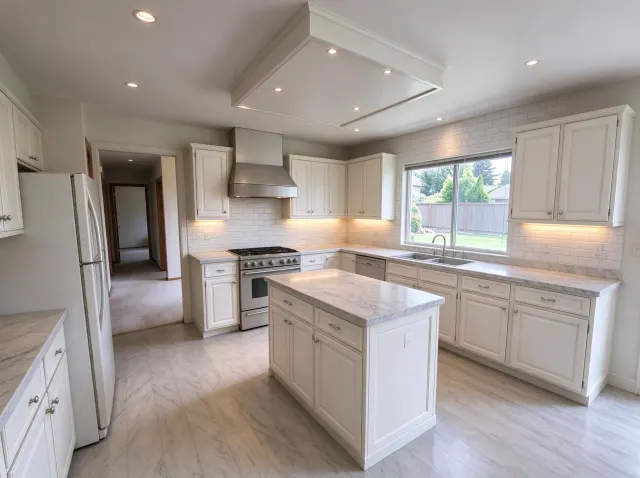
Classic White
White Shaker cabinets · marble-look counters
Try this style →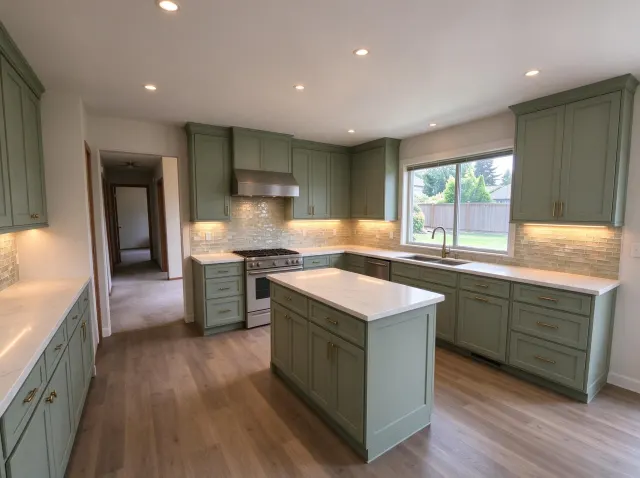
Modern Farmhouse
Sage green cabinets · brass hardware
Try this style →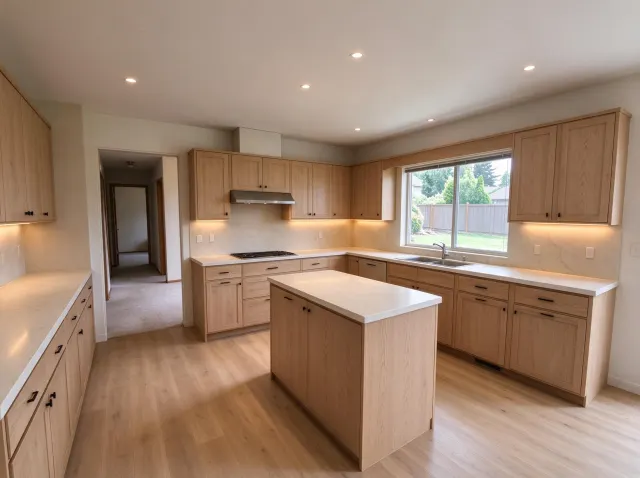
Scandinavian
Light oak flat-panel cabinets · creamy stone
Try this style →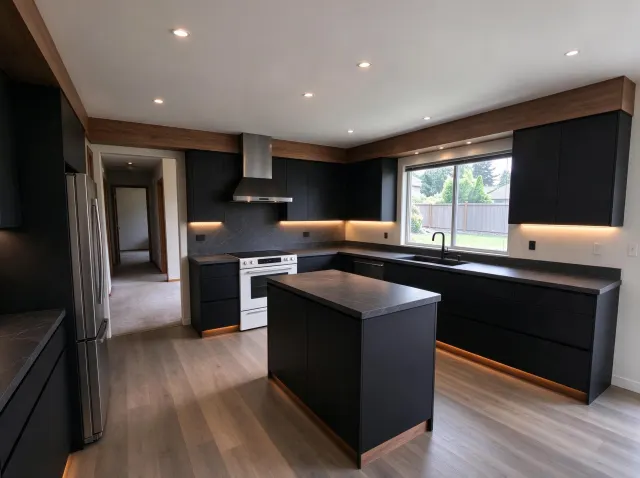
Modern Minimalist
Handleless matte black cabinets · honed stone
Try this style →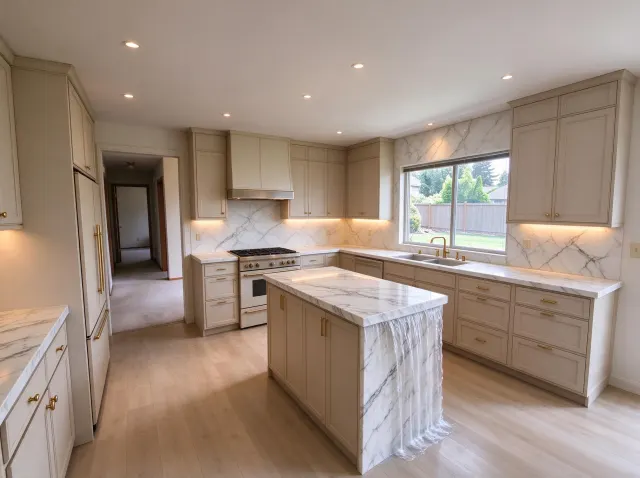
Modern Luxury
Marble waterfall counters · full-height slab backsplash
Try this style →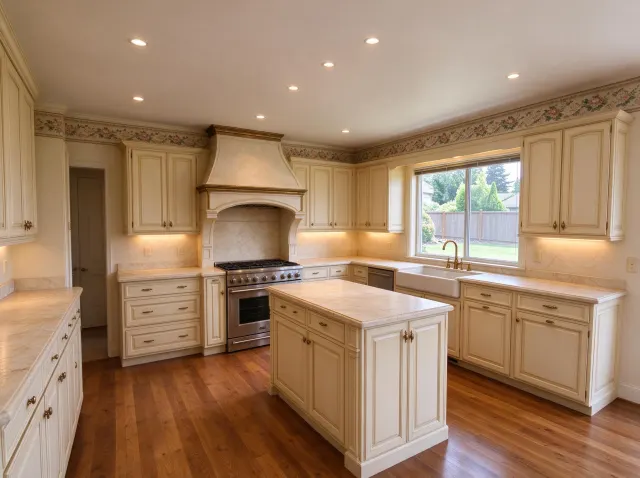
French Country
Cream paneled cabinets · aged brass hardware
Try this style →More styles:Coastal TraditionalContemporary Transitional
Use a kitchen concept to decide what to explore next
A dated oak kitchen and a builder-grade island pose different questions. Start with one thing you want to change, such as cabinet paint colors or a waterfall countertop. Your photo gives the image model a visual reference; the result helps you compare a look before buying samples or calling a contractor.
Sage Green Shaker
Compare muted sage cabinets, warm brass hardware and light quartz counters.
Explore the style →Classic White Shaker
Explore crisp white shaker doors, marble-look countertops and bright finishes.
Explore the style →Navy & Brass
Compare deep navy cabinetry with brushed brass pulls and a clean light backsplash.
Explore the style →Useful for a visual shortlist
Generate different cabinet colors and styles from the same original photo and keep the concepts you like in My designs. The before/after slider compares an upload with its latest result. Each successful generation uses one credit.
Check measurements before remodeling
AI can alter appliances, outlets and cabinet proportions. It does not measure clearances, confirm plumbing or electrical routes, or price cabinetry. Use the concept as a conversation starter, then verify dimensions and finishes with physical samples.
New to photo-based design? Start with the photo checklist, browse kitchen remodel guides, or read how credits and saved designs work.
Simple, one-time pricing
No subscription. Buy credits once, use them whenever you like.
Credits never expire. Secure checkout. Prices in USD, local taxes handled at checkout.
FAQ
Do I need design skills?+
No. Upload a clear photo of your kitchen and pick a style or cabinet color. No 3D modeling required.
Will it keep my stove, sink and windows in place?+
Yes, the AI is instructed to preserve your room layout, walls, windows and appliances, and only change cabinet doors, counters, backsplash and finishes.
Is this a measured cabinet or construction plan?+
No. Results are visual inspiration images to test colors and finishes before buying samples or hiring a contractor.
How does pricing work?+
New accounts get free designs. After that, buy a one-time credit pack. 1 credit = 1 design. Credits never expire and require no subscription.
What happens to my photos?+
Your photo is sent to our image provider only to generate your design and is never used for marketing or sold.